Content Apps


Enhance your digital signage with a built-in library of high-quality stock videos. The Stock Videos app lets you quickly browse, select, and add professional footage to your playlists for more visually engaging displays.

Getting data visualizations in front of your employees has always been a pain point for businesses. Outside of presentations, most employees would not get a consistent idea of important KPIs unless it was directly sent to them.
With the Mvix CMS Tableau App, you’ll be able to connect your account and begin showing your tables, data, and more directly to your displays; all while auto-updating the content.
Tableau, one of the world’s leading analytics platforms, is now available on the Mvix CMS. With the ability to use data-driven analysis to create forecasts, decisions, and strategies, companies world-wide have been using the platform for years to boost their business.

Present data clearly and efficiently with organized tables and charts on your digital signage. The Tables App helps audiences quickly interpret metrics, comparisons, and trends for better decision-making and awareness.

Promote content organization to enable users to systematically categorize media items, making it effortless to locate and utilize assets when needed.
Tagging streamlines content deployment by simplifying the process of selecting and scheduling media with specific tags. This results in improved efficiency and ensures that the right content appears on screens at the right time.
For example, a restaurant client can use this feature to tag menu items with categories like “Breakfast,” “Lunch,” and “Dinner.” When transitioning between meal periods, they can quickly update their digital menu boards by scheduling the appropriate tags, ensuring that the correct menu is displayed to customers throughout the day.
The tagging system in the Mvix Digital Signage CMS allows users to categorize and organize media items, playlists, and templates with ease, enhancing content management efficiency.

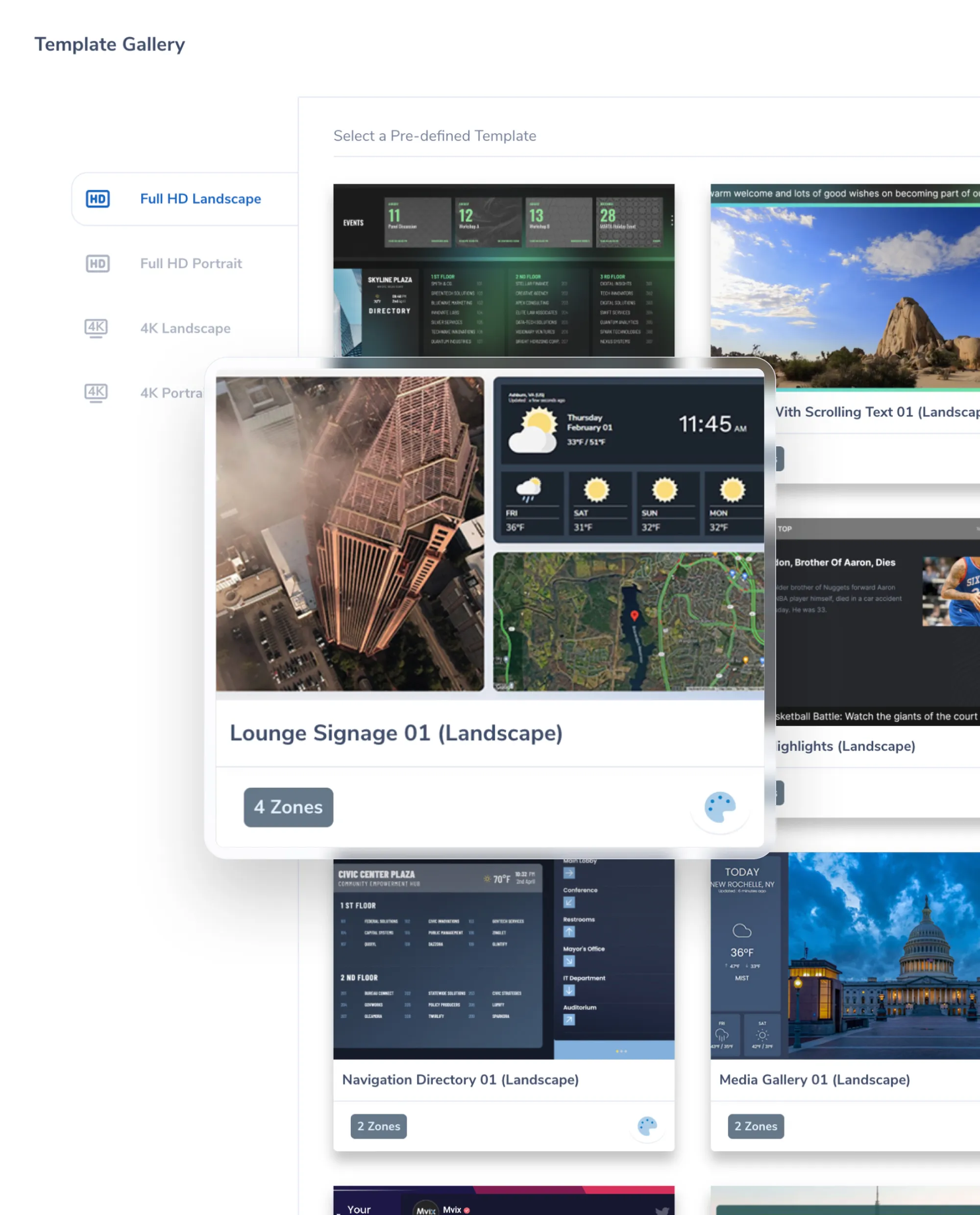
The Template Gallery in our digital signage CMS offers a collection of professionally designed layouts.
This makes it easy for clients to create visually appealing displays with minimal effort.
These pre-made templates are tailored to look great for multiple industries, allowing users to quickly customize them to match their brand and messaging.
Creating your own templates can be time-consuming. On Mvix CMS, you’ll be able to choose one of our professionally designed templates and edit them to create eye-catching results.

Streamlines the content creation process with ready-to-use templates with predefined zones, simplifying the design process and saving valuable time.
Clients can modify and personalize templates to suit their unique content needs, whether for promotional materials, announcements, or informational displays.
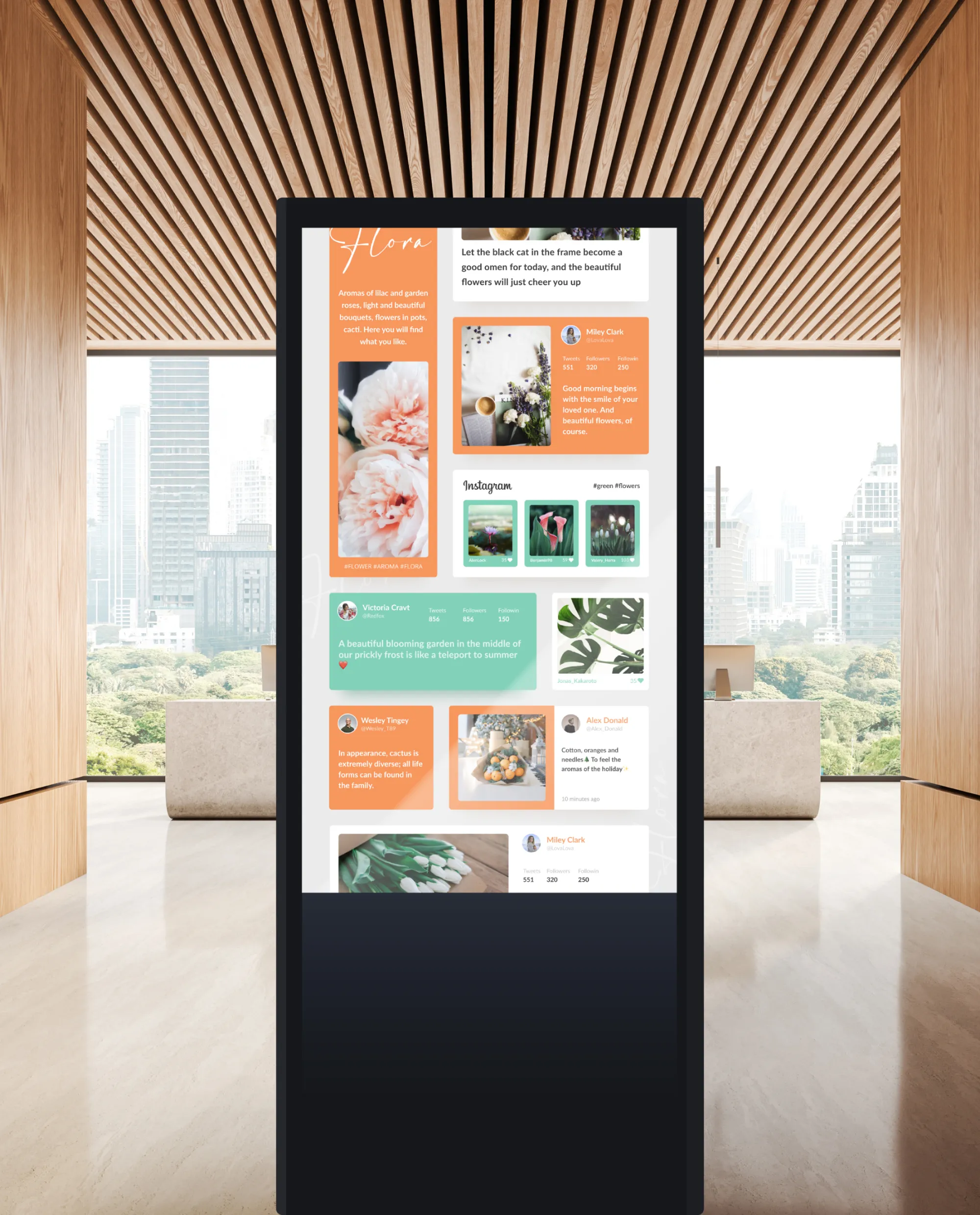
The Mvix CMS comes pre-loaded with customized templates to use for your displays. From retail, healthcare, to education and more, our eye-catching templates can be copied and utilized on your accounts.

As one of the oldest methods of eye-catching communication, marquees can be found across multiple forms of media.
Our Mvix Digital Signage Software is no different. With our CMS you’ll be able to create custom messages on your displays.
These scrolling feeds are perfect for custom updates that are too long for the screen but not important enough to take up a large portion of the screen.
With the potential to be used across most digital signage solutions, this app is a simple but important feature to include in your displays.
Use the Text Ticker app to display your own information in a scrolling text box. Customize the text to show upcoming events, announcements, birthdays, or general information about your company, employees or even clients.

For businesses that often have important deadlines, many find it difficult to give an easy to reference but noticeable picture of how much time is left.
With this content app, you’ll be able to display a countdown for important company deadlines or events. Use along side the clock app to give context to the event or activity.
This app works best in easy to reference displays such as breakrooms or office signage where employees will be able to easily reference with a quick glance.
With a variety of themes available, you’ll be able to choose which display works best for your business.
Use this app to display count down and count-up timers. The count-up timer is useful to display on digital signage to keep track of days passed since an incident, event or accident occurred within your organization. The countdown timer tracks the amount of time left until an event starts. For example, a company event or even happy hour.

Sync your restaurant’s menus effortlessly with your digital signage. The Toast Integration connects directly to your Menu Maker module, ensuring your on-screen menus always match the latest updates in your Toast POS system.

Engage your audience with interactive quizzes and real-time trivia games on your digital signage. The Trivia App makes learning and entertainment fun, boosting participation and attention across any location.

Stream live gaming, events, or broadcasts directly to your digital signage displays. The Twitch App connects your audience to real-time content, helping you showcase live streams and community engagement with ease.

Although it’s not that old of an app, Twitter has found its way into every media facet worldwide.
With the Twitter App on Mvix Signage, you can display either your company’s or important news feeds to your viewers.
For businesses that have an account, you can utilize this app in your office signage. This is perfect for breakrooms or office displays so employees can check out out your most recent tweets.
For lobby signage, you can set up a feed of important news or sports stations to keep viewers both entertained and up-to-date on current events or trends.
The Twitter app allows you to display a twitter feed from a specific handle, user, hashtag or combination search. Post tweets on digital signage screens to promote your message and increase engagement online and on-site.

Add an extra layer of protection to your digital signage system with Two-Factor Authentication. The 2FA Authentication app ensures only verified users can access your platform, keeping your network and data secure.

Maintain confidence in your digital signage network with passive uptime monitoring handled by our team. We continuously observe system health in the background and notify your organization if we detect severe issues that could impact display performance.

In today’s fast paced and digital world, videos often speak louder than text or static images.
With the Mvix Digital Signage CMS, you can upload important clips and display them on your digital signage.
This feature is useful across all industries with benefits being seen in stores, restaurants, lobbies, and more.
With a variety of supported file types and the ability to customize playtime, you’ll be able to showcase the videos how and when you want.
Using video on digital signage allows users to display their own custom content. Have the flexibility to upload various video file formats, upload in bulk, and add to your slideshows for a tailored video experience.

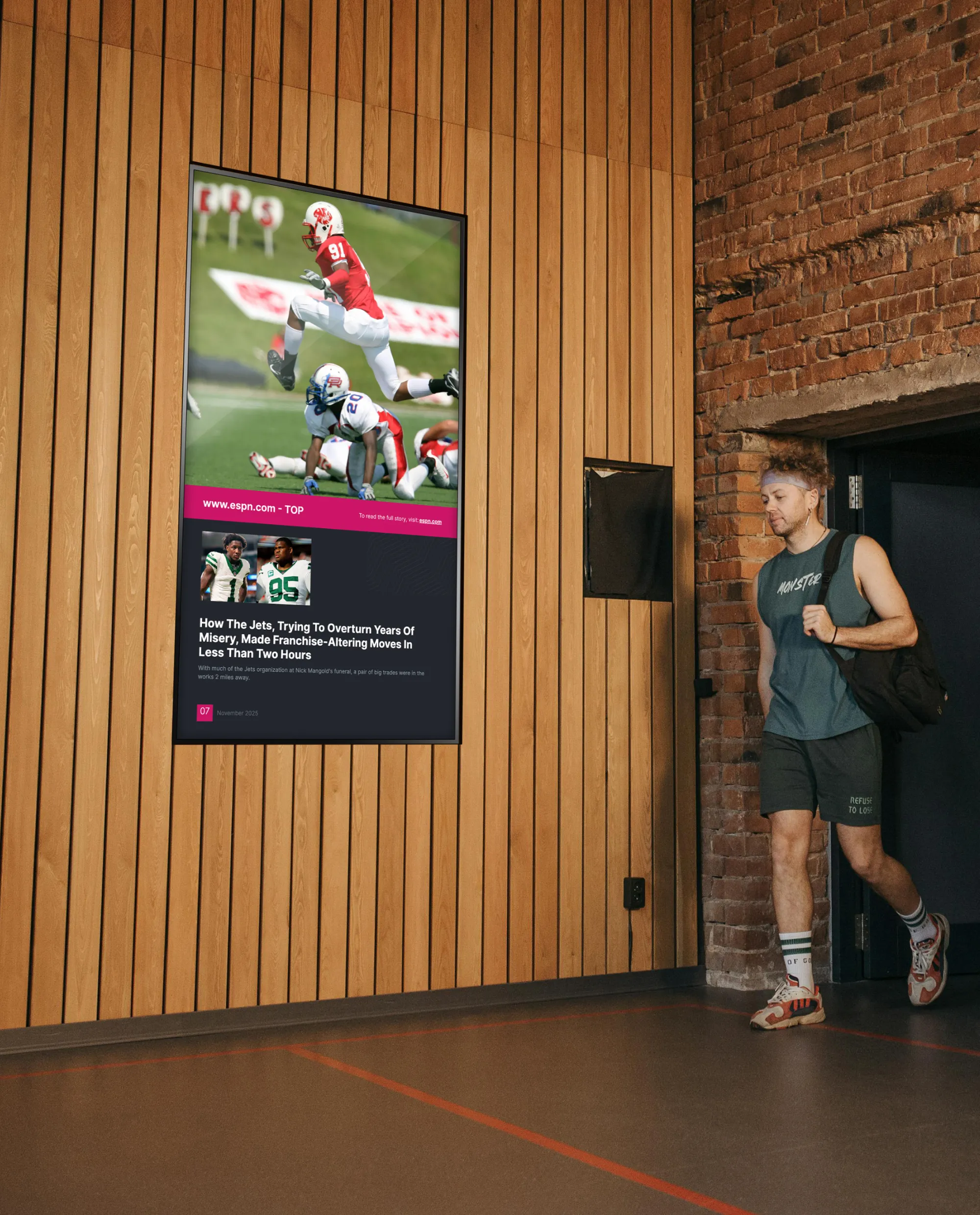
For businesses that often show sports or news channels; this is the perfect app to help you display the content you need.
This input allows you to stream live content in one zone of your screen while showing other important content in other zones. In other words, the video can take up part of the screen and you can still have space for other content.
Videos or live TV can be combined with promotions, ads, weather, or the clock app to keep viewers eyes on your screens.
With added customizations such as ratio, input types, and even width and height, you’ll be able to display your content to best fit your needs on your screens.
Display live content on your digital signage displays such as TV shows, sports games, and movies with the help of an HDMI cable and our CMS. Once you plug the cable into your screen you will be able to easily watch live content.

In recent years, the popularity of video walls has been on the rise.
This trend can be attributed to the decreasing costs of display technology and the increasing accessibility of video wall software, which has prompted a growing number of businesses to incorporate them into their operations.
The primary appeal of video walls lies in their versatility. They offer the capability to showcase multiple types of content across various displays or seamlessly extend content across all screens using dedicated video wall applications.
This adaptability makes video walls a valuable asset, particularly in high-traffic public spaces or within organizations seeking efficient ways to present digital information for rapid employee reference.
Utilize the video wall app on the Mvix CMS to create an engaging story through a collage of images or videos across multiple screens. A videowall can consist of one giant video of the same content or multiple videos with different content playing at once.

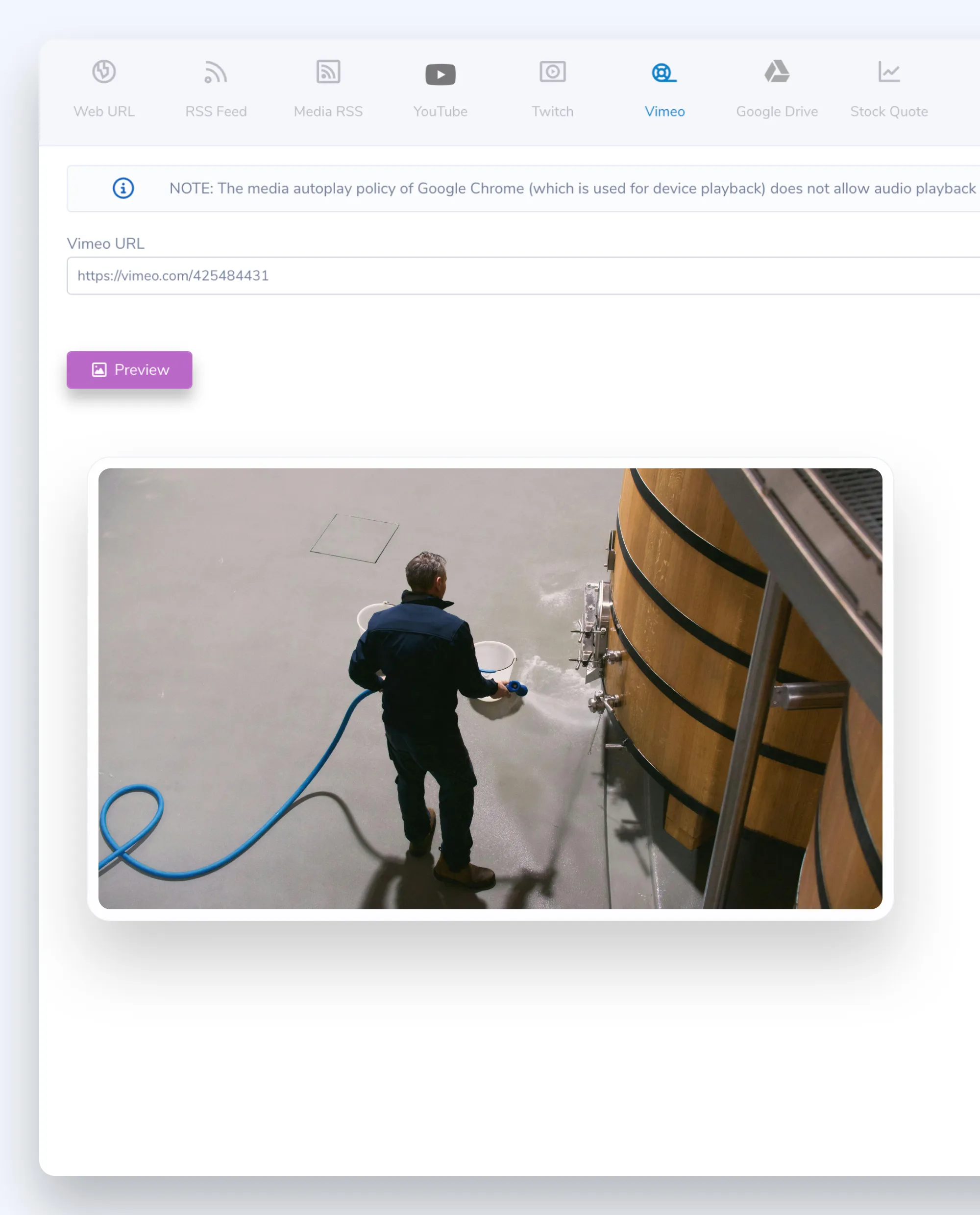
Vimeo offers an impressive platform for hosting video content. While not as popular as YouTube, this video hosting service offers a home for many businesses.
For companies or businesses that use Vimeo to host their videos, Mvix Signage software can easily pull these videos. In other words, your videos can be pulled directly and display on your digital signage.
This is a great alternative for those trying to bypass ads on YouTube. It’s an ad-free platform and way to show visitors videos. Additionally, it’s a great welcoming tool to use for lobby signs.
Businesses that also create commercials or ads for their products can also find numerous benefits by displaying this in storefront digital signage or throughout their business.
Vimeo is a video uploading platform where users can watch and download high-quality videos and without out ads. This app allows users to display videos on digital signage screens to enhance screen visuals and add animation.

The Mvix Virtual Player allows organizations to effortlessly share their digital signage content via a URL.
This webURL can be embedded on websites or intranet portals for easy access for employees.
Access to this player can also be managed via Whitelisting IPs to ensure greater security of where your content is shown.
Remote workers are becoming more commonplace throughout the years. But how do you get your content on your digital signage in front of them? Mvix Virtual Player converts your schedules into an easily shareable link.

After time, people look to weather forecasts, whether daily or weekly when planning their day.
With our weather app on the Mvix CMS, you can display the current and future forecast to the viewers of your digital signage.
This app works for all digital signage environments and is perfect for lobby displays or employee communication.
With the added Celsius or Fahrenheit options and the ability to add wind, humidity, and more, you can customize your weather to best fit your needs.
Displaying weather on digital signage might not be a “big deal,” it is one of those things that will make your audience look at your screens, and they will, in turn, see your other messages. Similar basic content includes time and date.

Provide real-time, location-specific weather updates on your digital signage. Weather Radar delivers live radar maps, current conditions, and forecasts so viewers can stay informed about the weather around them.

For businesses that need to display a specific website on their screens, this app on the Mvix CMS is the perfect choice. Any web URL pasted into the app will be the source from which content is pulled to the display screen.
By simply entering the URL of the website you’d like to display, you can create a specific zone dedicated to that webpage.
For example, you display your company’s website on half of the screen and use the other half for social media posts such Instagram, Facebook and Twitter. Or combine with the time and weather apps, to can create the perfect professional display for lobbies or employee breakrooms.
This content app allows you to display a web URL on digital signage screens. For example, you can display your company’s website on your display so that your customers and employees can stay up-to-date with announcements.


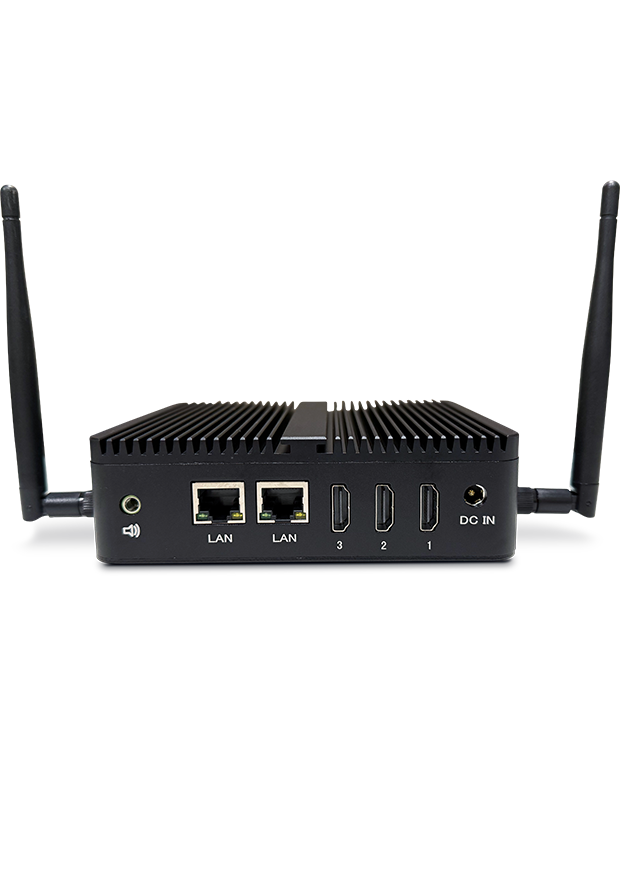
Mvix players can work either wireless or directly connected to your internet.
While wireless can be utilized, wired connections will give you the best results and is usually recommended for your implementations.


There are a lot of holidays to celebrate. But creating templates can be time consuming.
From popular ones like Independence Day to lesser known ones like National Cheese Pizza Day, we have you covered.
With both portrait & landscape options available, these high-quality templates can be easily added to any of your displays.
As we create new templates, the app will be updated to keep providing you new options to use to your heart’s content!
Celebrating holidays is made simple with our workplace posters app. From the more popular holidays like Independence Day & New Years to smaller ones like National Donut Day, we have what you need to add extra flair to your displays.

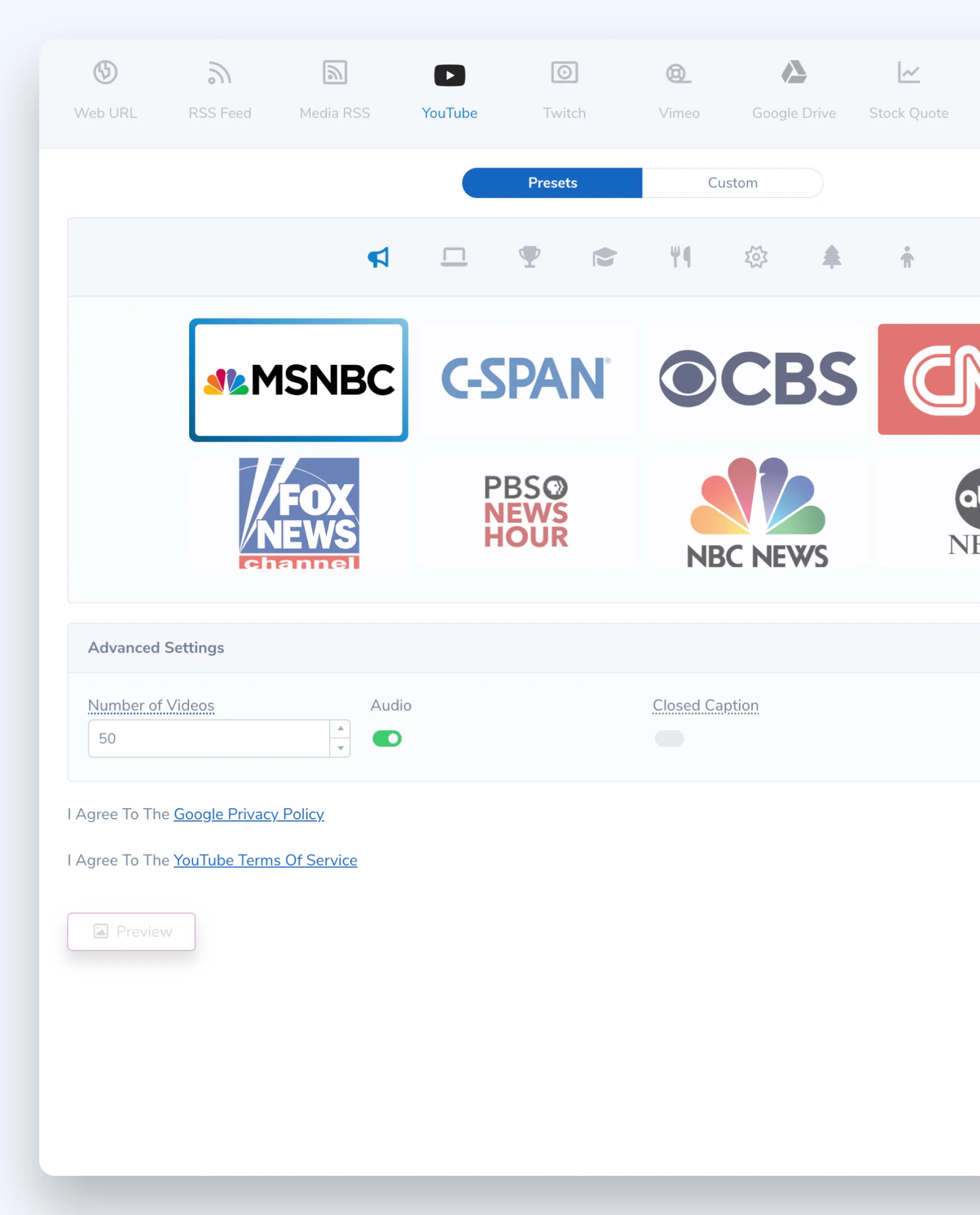
One of the easiest way to display videos on your digital signage is through the YouTube content app. Even if you don’t have your own YouTube channel, you can pull videos from other YouTube accounts or channels.
Easily pull videos from other channels and use the app to select the videos you would like to play. Additionally, you can select from broader categories of videos. For example, technology or news.
Display channels, playlists or individual videos to make sure your content is relevant to your audience. This content app allows you to edit your video playlist to ensure only approved videos play on your digital signage screens.
Instead of uploading videos to the Mvix software, upload them to YouTube and use the app to select the videos you would like to play. Display channels, playlists or individual videos to make sure your content is highly targeted.

For new and old users to digital signage, keeping your content applications lined up and formatted correctly can cause some headaches.
With zone options, we provide you with guidelines of content zones to help you line up and select which apps should be placed for maximum ROI.
With both portrait and landscape options available, you’ll be able to use this feature on the layout you decide.
Creating a well designed digital signage template has never been easier. With our zone options feature, you’ll be able to pick from several portrait or landscape designs to help you